Fast scale changes
Add visual emphasis to talking-head footage without rebuilding the same animation each time.
 Pr
PrCreate polished scale changes for talking-head edits without keyframing every move from scratch.
Built for Adobe Premiere Pro · Mac & WindowsAdd visual emphasis to talking-head footage without rebuilding the same animation each time.
Keep repeated zooms feeling intentional across interviews, explainers and social edits.
Use motion to shape attention while spending less time on routine timeline setup.
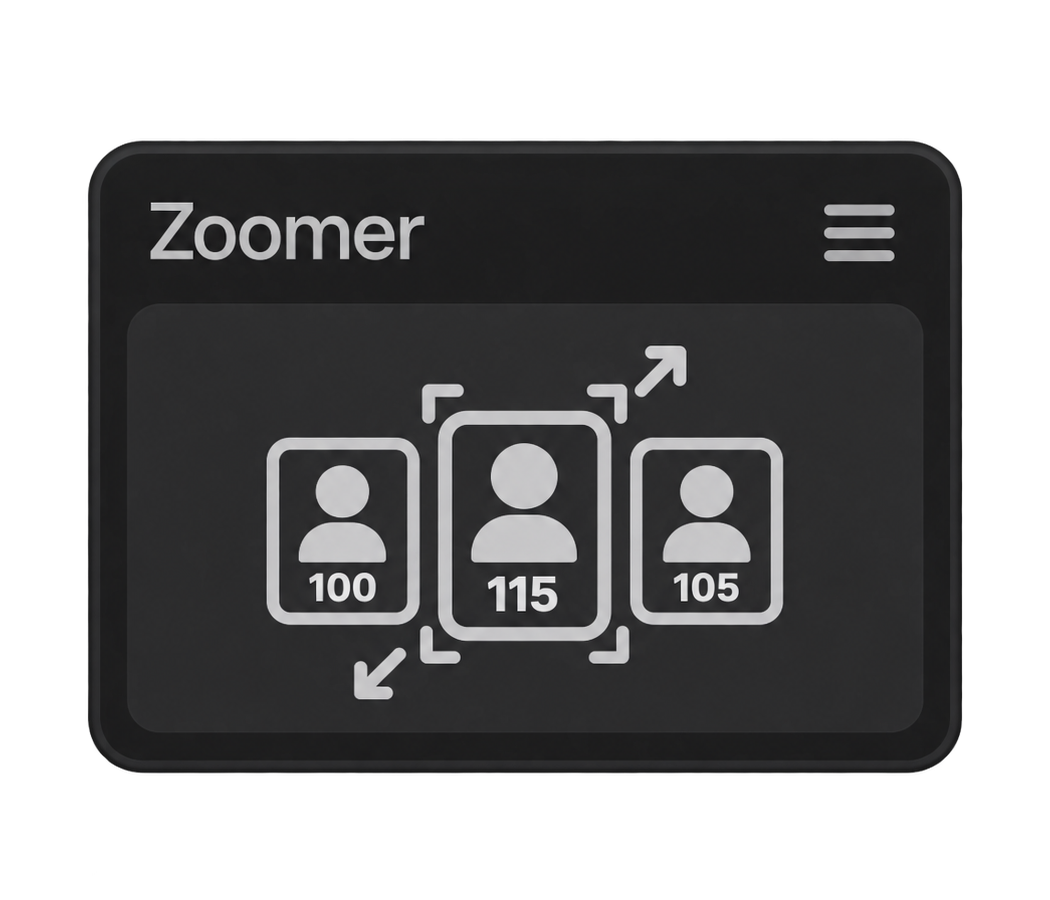
Zoomer sorts selected video clips by their timeline start and applies the filled A/B/C values as multipliers of the first clip's current Scale. Leave a field empty and it is skipped in the repeating pattern.
The first selected clip is the reference. Its Anchor Point and Position are copied to the remaining video clips, while audio items are ignored.
No. Zoomer applies static Motion values and does not create keyframes. If Scale, Anchor Point or Position are already animated, the operation stops before making changes.
Reset gives every selected clip the current Scale of the first clip and centers Anchor Point and Position. Apply and Reset can each be undone with one Premiere Pro Undo.
Zoomer requires Adobe Premiere Pro 25.6 or later and works on macOS and Windows versions supported by Premiere Pro.