Prep before syncing
Put clips and audio into a consistent structure before you begin the sync.
 Pr
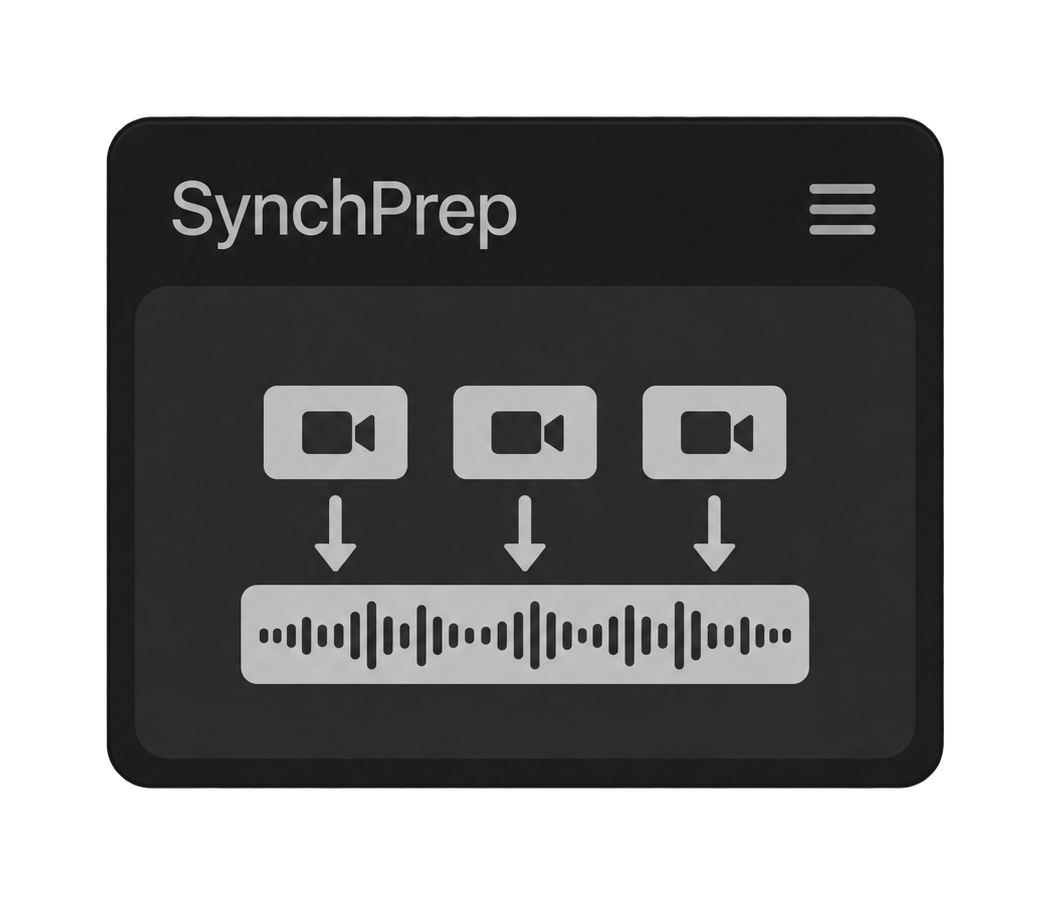
PrPrepare your footage for a cleaner, more predictable video and audio syncing workflow.
Built for Adobe Premiere Pro · Mac & WindowsPut clips and audio into a consistent structure before you begin the sync.
Spend less time arranging source material and more time shaping the actual edit.
A focused Premiere Pro panel with the controls you need and nothing you do not.
No. Your manual synchronization is the reference. SyncPrep organizes the selected material, trims external audio to the video ranges and keeps the established synchronization intact.
Separate places video and audio pairs on consecutive matching V/A tracks. Combine trims selected external audio to the selected video ranges, removes the gaps between synchronized groups and assembles them from the start of the sequence.
Yes. When the audio overlaps the selected video ranges, Combine can split it into the matching sections and place each synchronized group one after another without the unused audio between them.
SyncPrep supports matching video/audio pairs and independent audio. Video-only clips, multi-audio groups, J/L cuts and clips with transitions are not supported. Ambiguous selections stop before the timeline is changed.
No. SyncPrep only changes timeline items; media files on disk remain untouched. It requires Adobe Premiere Pro 25.6 or later on macOS or Windows.